3D Standing Animal Laser Cut Designs
The intersection of digital precision and tactile artistry has never been more accessible. For makers, designers, and creative entrepreneurs, the 3D Standing Animal Laser Cut design represents a versatile foundation for crafting unique decor, educational tools, and custom gifts. This digital pattern is not merely a file; it is a blueprint for transforming flat materials into three-dimensional characters that bring life to any space. Whether you are running a small Etsy shop, teaching a craft class, or simply looking to add a personal touch to your home office, understanding how to leverage this specific design can elevate your projects from simple crafts to professional-grade creations.
Understanding the Digital Nature of the Product
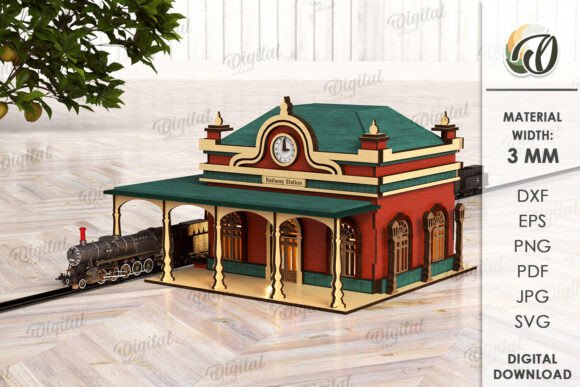
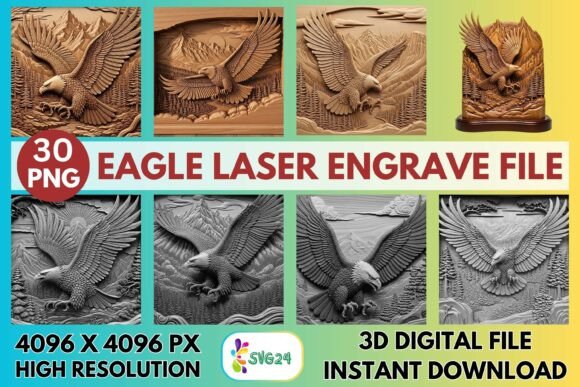
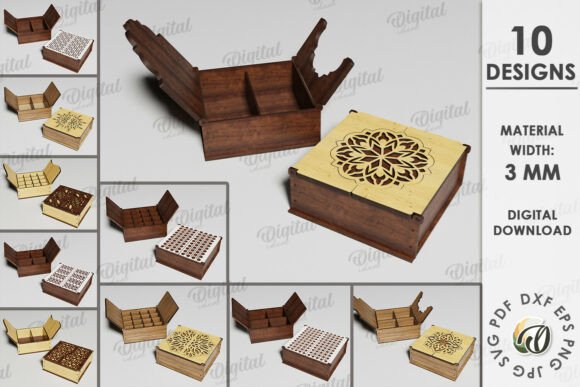
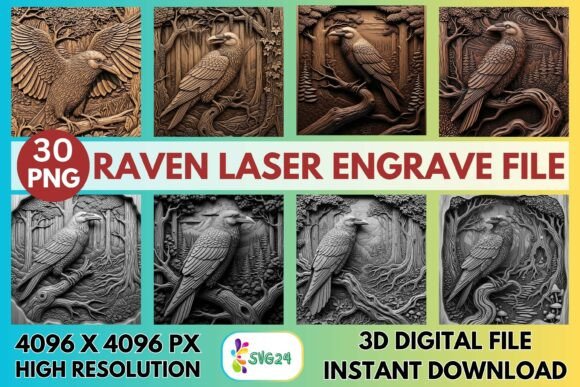
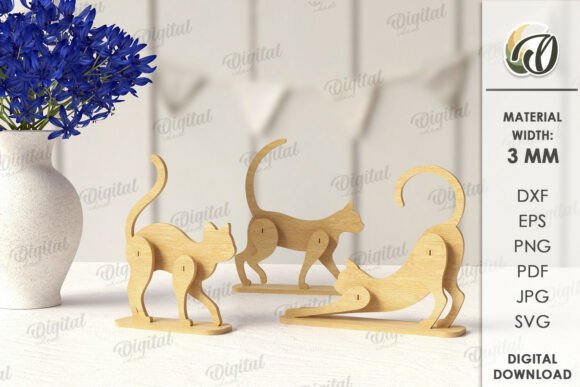
Before diving into the creative possibilities, it is crucial to clarify the format of this resource. When you purchase the 3D Standing Animal Laser Cut design, you are acquiring a digital asset, not a physical object. The images shown in product listings serve as inspiration to demonstrate what is achievable with the right materials and equipment. Upon purchase, you will receive a compressed zip folder containing a single design available in multiple industry-standard formats: SVG, DXF, EPS, PDF, JPEG, and PNG.
This variety ensures compatibility with almost any cutting software or design workflow. If you use Adobe Illustrator, the EPS or PDF files offer vector precision. For Cricut Design Space or Silhouette Studio, the SVG and DXF files provide seamless integration. Even if you do not own a laser cutter but wish to use the artwork for print-on-demand merchandise or web graphics, the high-resolution JPEG and PNG files allow for immediate application. Understanding these file types empowers you to choose the right tool for your specific hardware and software environment.
Material Selection and Technical Specifications
One of the most critical factors in achieving a successful 3D standing result is material selection. The design is optimized for a material width of 3mm. This thickness is significant because it provides enough structural integrity for the animal to stand upright without being too heavy or difficult to cut. Materials such as birch plywood, MDF, basswood, and even thicker acrylic sheets work exceptionally well at this gauge.
When working with wood, the natural grain adds warmth and character to the final piece, making each animal slightly unique. Birch plywood is often the preferred choice for its clean edges and light color, which accepts stains and paints beautifully. If you opt for acrylic, the translucency can create stunning lighting effects when backlit. However, remember that different materials require different laser settings. A 3mm wood sheet needs a different power and speed setting than 3mm acrylic. Always run test cuts on scrap material to ensure your laser parameters prevent burning while ensuring a clean cut through the entire thickness.
Creative Applications for Home and Office
The versatility of the 3D Standing Animal Laser Cut design extends far beyond a single use case. In a home environment, these figures can serve as whimsical bookends, shelf ornaments, or focal points for a nursery. Imagine a row of wooden foxes or bears lining a child's bookshelf, creating a playful narrative that changes as the books are rearranged. For the office, these designs can be scaled down to act as paperweights or desk organizers, adding a touch of personality to a sterile workspace.
Designers can also interpret these animals as part of a larger storytelling installation. By painting the animals in a cohesive color palette—such as earth tones for a rustic look or vibrant primaries for a modern pop—you can curate a collection that speaks to a specific interior design theme. The standing nature of the design means they occupy vertical space, drawing the eye upward and adding depth to flat surfaces. This makes them ideal for mantelpieces, window sills, or display cabinets where three-dimensionality is key to visual interest.
Business Opportunities and Customization
For entrepreneurs and small business owners, this digital design offers a low-overhead entry point into the maker economy. Since the product is digital, you can purchase the file once and produce an unlimited number of physical units. This scalability is perfect for seasonal sales, such as creating woodland creatures for spring or festive reindeer for winter holidays. You can customize each piece by hand-painting details, adding glitter, or attaching LED lights to create nightlights.
Marketing these items requires highlighting the craftsmanship involved. Customers are increasingly drawn to handmade goods that tell a story. When listing these products, emphasize the material quality, the precision of the laser cut, and the time spent on finishing touches like sanding and staining. You can also offer customization services, allowing clients to request specific colors or sizes within reason. The ability to adapt the design for different audiences—from corporate gift buyers to parents seeking unique nursery decor—expands your potential market significantly.
Adapting the Design for Education and Workshops
Educators and workshop leaders can utilize the 3D Standing Animal Laser Cut design as an excellent teaching tool for STEM and STEAM education. The process of moving from a digital file to a physical object introduces students to concepts in geometry, engineering, and digital fabrication. Students can learn about vectors, nesting patterns to minimize waste, and the physics of balance required for the animal to stand.
In a classroom setting, this project encourages creativity within constraints. While the base shape is fixed, the decoration phase is entirely open-ended. One student might paint their animal to look realistic, while another might give it a surreal, abstract appearance. This approach fosters individual expression while maintaining a unified group project structure. Furthermore, the finished models can be used as props for storytelling sessions or as tangible aids for biology lessons, helping children visualize animal anatomy and posture.
Ensuring Consistency and Quality
To maintain a professional standard, consistency is paramount. Whether you are producing one-off pieces or a batch of fifty, the finish should remain uniform. Start by preparing your workspace with adequate ventilation and safety gear. When cutting, ensure the laser bed is clean and the focus is accurate to avoid uneven edges. After cutting, sanding is essential to remove any char marks and smooth the joints where the tabs connect.
Organization plays a vital role in efficiency. Keep your digital files backed up and organized in folders by project type. Maintain a log of your laser settings for different materials so you can replicate results easily. If you are selling these items, document your process with high-quality photos and videos to build trust with your audience. Clear communication about the product being a digital download prevents customer confusion and ensures a positive buying experience.
Final Thoughts on Creative Potential
The 3D Standing Animal Laser Cut design is more than just a set of lines on a screen; it is a catalyst for creation. It bridges the gap between digital design and physical reality, offering endless possibilities for those willing to experiment. From the initial download of the SVG and DXF files to the final placement of a painted wooden figure on a shelf, the journey is filled with opportunities to refine skills and express creativity.
Whether you are a seasoned fabricator or a beginner eager to try laser cutting, this design provides a solid starting point. Remember that the true value lies not just in the file itself, but in how you adapt, modify, and present the final product. With the right materials, attention to detail, and a dash of imagination, you can transform a simple digital download into something truly original and meaningful. Thank you for exploring these ideas, and happy shopping and creating.